Start your LGE POS trial.
Tell us about your business. Trial requests are reviewed before a license is issued.
Apply for a trial
Sign in or create an account to submit your application.
Sign in / Create account LGE POS
Tell us about your business. Trial requests are reviewed before a license is issued.
Sign in or create an account to submit your application.
Sign in / Create accountSign up for your free trial. Your own products, sales and reports stay separate from other subscribers. No payment is required to start.
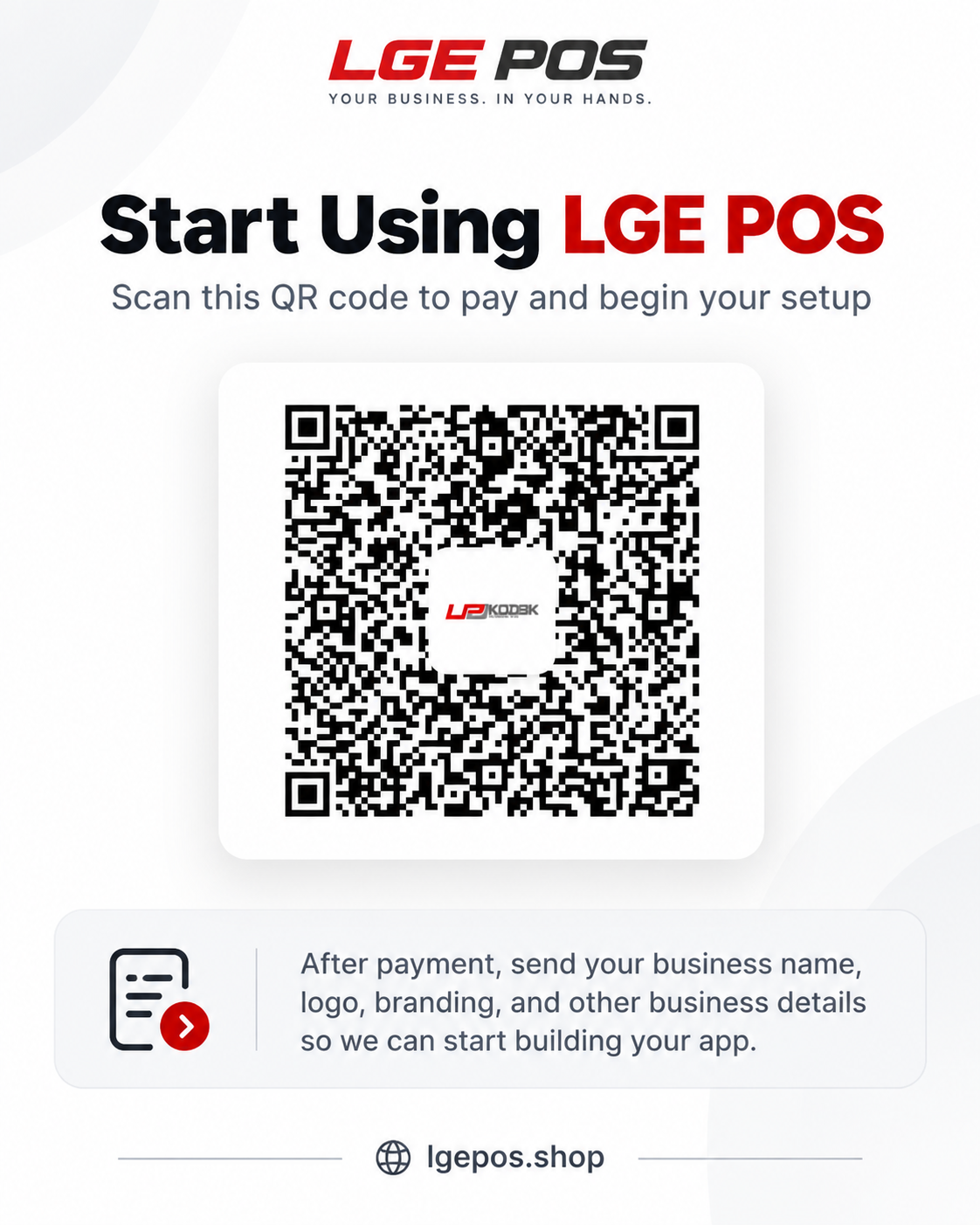
Create your free account →Use the LGE POS payment QR to pay for your subscription or business setup. Confirm your plan and amount with the LGE POS team before paying.
Payments are reviewed manually. Scanning or paying does not automatically activate a license. You can include your payment reference in the application message.